
In this guide
In short
An AI tool does not read your guidelines the way a designer does. For it to respect your brand, give it three things: the real files (logos, fonts, colors), rules that can be checked, and templates for your frequent formats. Then connect the tool to those files instead of pasting the guidelines into the chat, and check that it receives all of them.
Why your AI tool does not follow your guidelines
Ask an AI tool for a visual: it starts from what it guesses about your brand. It redraws a logo that looks like yours, picks a lookalike font and keeps only a word for your color, without the exact code.
The tool works with what it is given: a 60-page document designed for people, made of images and unwritten rules. Making it readable by AI means rewriting it in a form a tool can apply and check.
What the tool guesses




Redrawn logo, lookalike font, roughly the right color.
What you give it
| Logo | logo-color.svg, the original file |
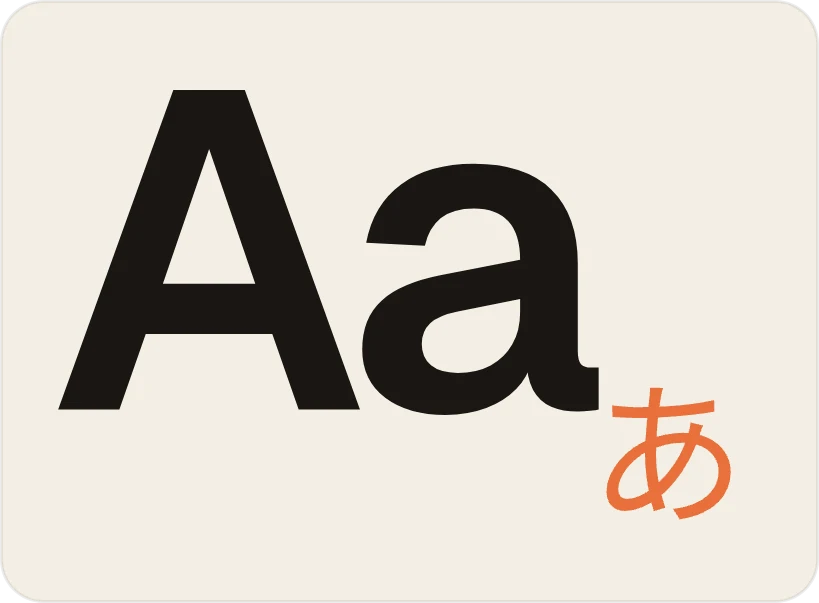
| Font | the files, in 3 weights |
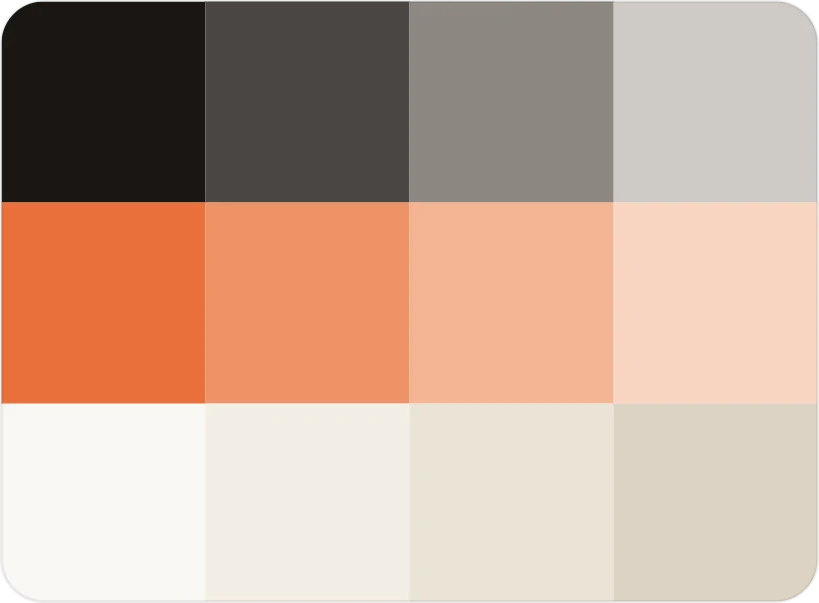
| Colors | the exact codes |
| Rule | never a logo on a photo |
The method, step by step
Gather the real files
Logos in SVG, in a color version and a white version. Font files, with the weights you use (regular, bold…). Exact color codes. Approved images. One folder, one version of each file. If a logo is called logo_final_v3_OK.png, now is the time to choose the right one.
Your brand /
- logo-color.svgup to date
- logo-white.svgup to date
- Brand-Regular.woff2up to date
- Brand-Bold.woff2up to date
- colors.txtup to date
- archive / logo_final_v3_OK.pngarchived
One folder, one version of each file. Old versions are archived, not deleted. Write rules that can be checked
A useful rule can be checked with a yes or a no. “Use the logo with care” cannot be checked. “The logo never sits on a photo” can. Do the same for headline length, approved colors and the space around the logo. Add the don’ts you see most often (distorted logo, swapped font, text on a busy area), one sentence each.
Rule Can a tool check it? “Use the logo with care” No, too vague “The logo never sits on a photo” Yes “Headlines of 8 words at most” Yes “Only the colors of the guidelines” Yes Three rules a tool can check, and one it cannot. Describe the tone with examples
“Direct and warm” is not enough for a tool. Add two or three sentences you would publish, and two or three you would turn down. A tool follows examples better than adjectives.
Prepare templates for your frequent formats
LinkedIn post, story, carousel, slide: for each format you produce often, a template sets where the logo, the headlines and the images go. The tool fills in the template instead of inventing a layout.
logoheadlineimageLinkedIn post · 1:1logoheadlineimageCarousel · 4:5logoheadlineimageStory · 9:16One template per format: the place of the logo, the headline and the image is set. Write the guidelines in a text file
A tool reads plain text better than a designed PDF. Put your rules, your don’ts and your tone examples in a single document, for example a brand.md file. You can read it exactly as the tool will, and fix it in a minute.
brand.md
- # Logo
- - White version on dark backgrounds, color version on light ones.
- - Never on a photo. Never distorted.
- # Colors
- - Orange #E8703A: numbers and accents, never as a background.
- # Tone
- - Yes: “Your webinar starts Thursday at 6 pm.”
- - No: “Do NOT miss our webinar!!!”
The guidelines in plain text: you read them exactly as the tool does. Connect the AI tool to these files and rules
Pasted into a chat, the guidelines get lost: the tool forgets, summarizes, and does not have your files. An MCP connector solves this (MCP is a standard plug that connects an AI assistant to your tools). Claude and Cursor (an AI-assisted code editor) can use it: the connector gives them direct access to your files, rules and templates, with every request.
AI assistantsDraft our launch post for LinkedInClaudeUsing your brand from Graphist: logo, colors, fonts and tone of voice.Graphist connected · revoke anytimeYour brand, connected to Claude, Cursor and your other tools through an MCP connector. Check that the tool receives all of your guidelines
Guidelines that get cut or summarized lose their examples and their don’ts, and the tool does not warn you. Ask it to quote a specific don’t, taken from the end of the document. If it cannot find it, it never received it. Run this test for every tool that creates or edits your visuals.
Tool that received all the guidelines
YouWhat is the last don’t in the guidelines, about photos?
Tool · received in full“Never put text on a busy area of the photo.” That is don’t #14, on page 58.
Tool that received cut guidelines
YouWhat is the last don’t in the guidelines, about photos?
Tool · guidelines cutI can’t find any don’t about photos in your guidelines.
One question tells you whether the tool received all of your guidelines. Test on three real requests
Take three briefs from this week. Note every gap with your guidelines, and turn it into a rule or a don’t. Guidelines that AI can read get better with use.
Three rules, rewritten as examples
Before: “Respect the brand colors.”
After: “White or midnight blue backgrounds only. Orange is for numbers, never for backgrounds.”
Before: “A dynamic tone.”
After: “Sentences under 15 words. No exclamation marks. No slang.”
Before: “Punchy headlines.”
After: “Headlines of 8 words at most, on a single idea.”
These rules are examples. Yours come from your guidelines and from the decisions of the person who owns your brand.
With Graphist
Graphist is software, and our team sets up your brand in it with you: your files, rules, don’ts and templates, once and for all, so your teams and their AI tools use them. With all your files (logos, fonts, colors, guidelines), a first version of your brand is ready within hours. We then refine it with you, brief after brief.
Missing some files? Graphist starts from your website: it picks up your logo, fonts and colors, and you fill in the rest.
Your teams produce in the Graphist studio, the screen where visuals are created, or from their AI assistant. Gladia (voice AI), Defacto (SME financing) and Intelcia (customer experience) are already coded in Graphist.
Guidelines · Your brand
V2 · 8 sectionsYour brand ▾
Logos
Colors
Fonts
Tone of voice
Images
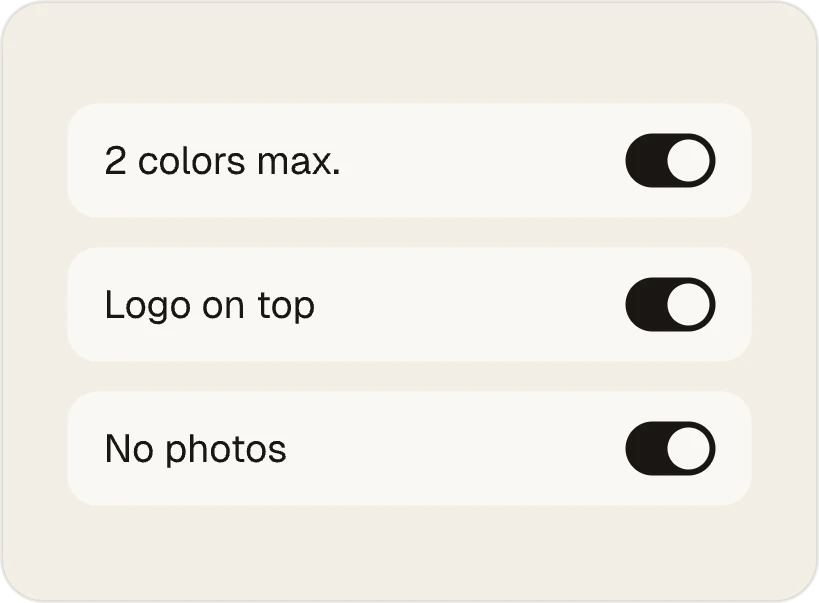
Rules
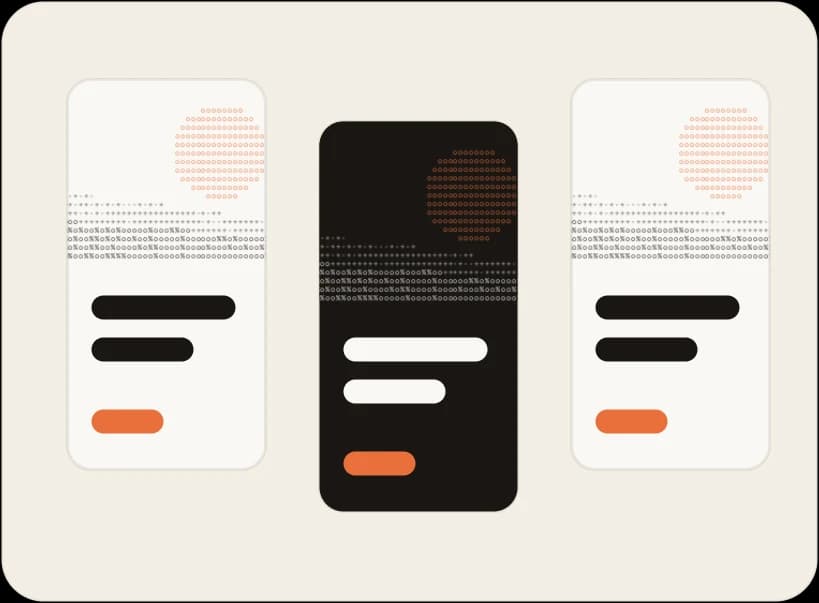
Templates
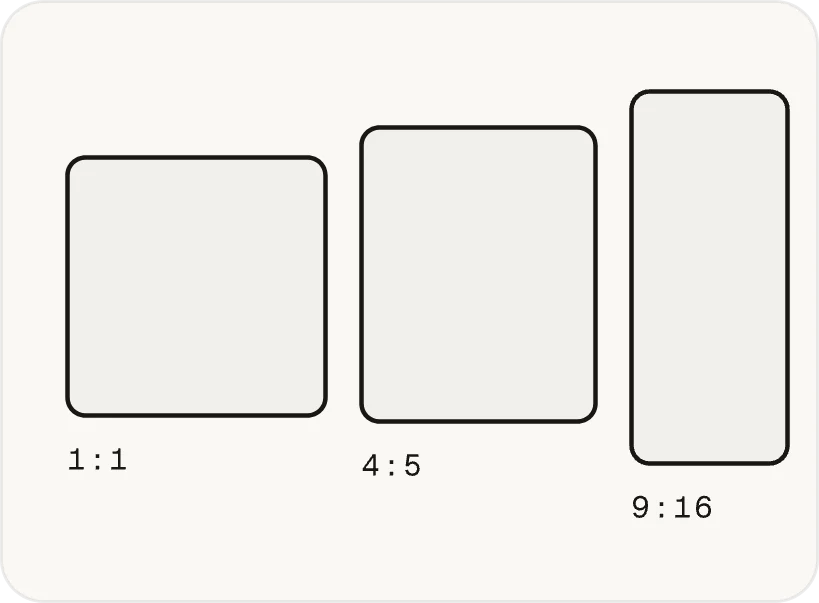
Formats
Frequently asked questions
Do you need to code to make your brand guidelines readable by AI?
No. The rules are written in plain language, in short sentences. What matters is that they are precise and checkable. The link to the AI tool goes through a connector.
Can you just send your guidelines PDF to an AI assistant?
You can, but the assistant will have neither your logo files nor your fonts, and it will guess the unwritten rules. It may also read only part of a long PDF. You will get a redrawn logo and a lookalike font.
What is an MCP connector?
MCP is a protocol that lets an AI assistant like Claude access tools and data. Here, it gives the assistant direct access to your brand’s files, rules and templates.
How long does it take?
The longest part is often gathering the files and choosing the right version of each. Once they are together, Graphist turns them into a first version of your brand within hours.
Where should you start?
With your two or three most frequent formats, rather than the whole guidelines. A first version that covers what you publish every week is useful right away.